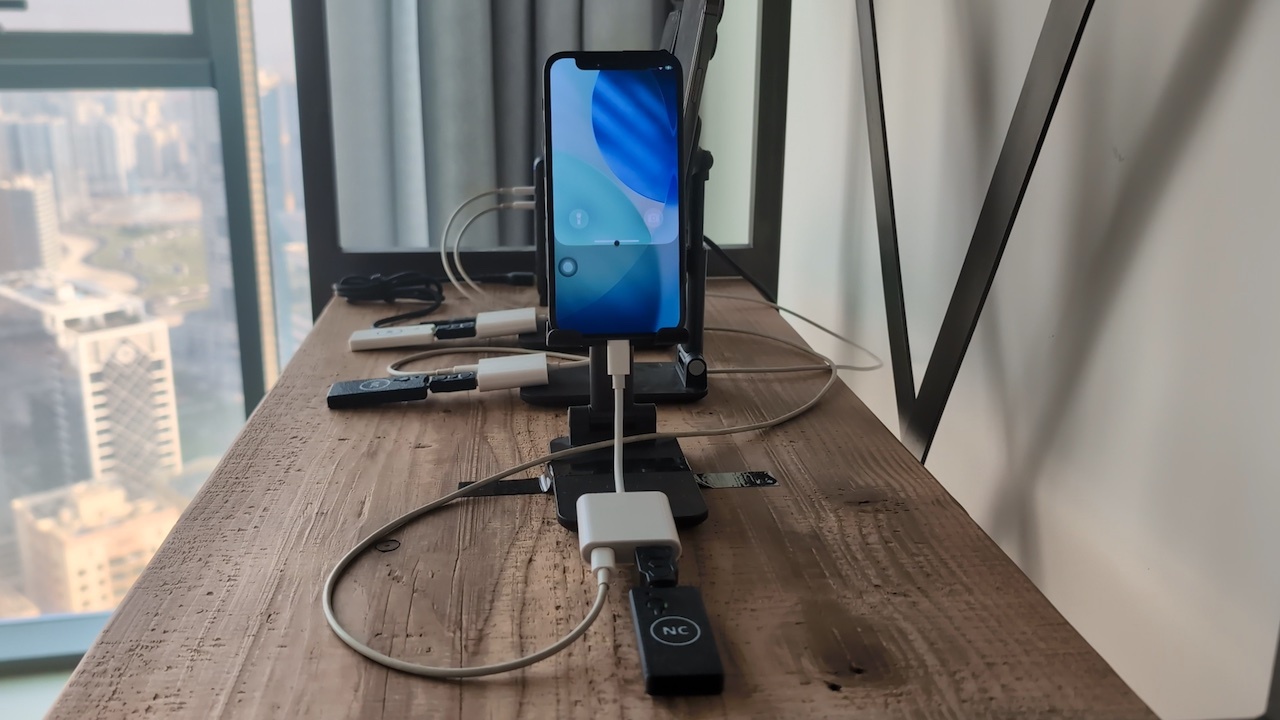
«Wake up the phone» – start your task in Planner with this simple phrase. Or even just write «wake up» in the Planner's Chat tab. This will make the Clicker swipe up the screen of the iPhone and turn on the broadcast.
Why You May Need It
- Better for iPhone's display – no need to have it always on;
- If you're on mobile Internet (SIM card) you will save GBs, because while screen is off, it doesn't consume traffic on streaming;
- If you're using mobile proxies, you will save GBs of proxies' traffic same way: allow the screen to turn off and stop the broadcast.
How to Set Up
First of all, obviously, Clicker doesn't know your passcode. So this feature works only if you turn off passcode in Settings → Face ID & Passcode.
Second, it is recommended to set Auto-Lock to 1 minute in Settings → Display & Brightness. Then iPhone's display will always turn off in 1 minute after you finish your task. This will also turn off the broadcast automatically. But the next time you give the "wake up" command, broadcast will be turned back on.
Second, it is recommended to set Auto-Lock to 1 minute in Settings → Display & Brightness. Then iPhone's display will always turn off in 1 minute after you finish your task. This will also turn off the broadcast automatically. But the next time you give the "wake up" command, broadcast will be turned back on.
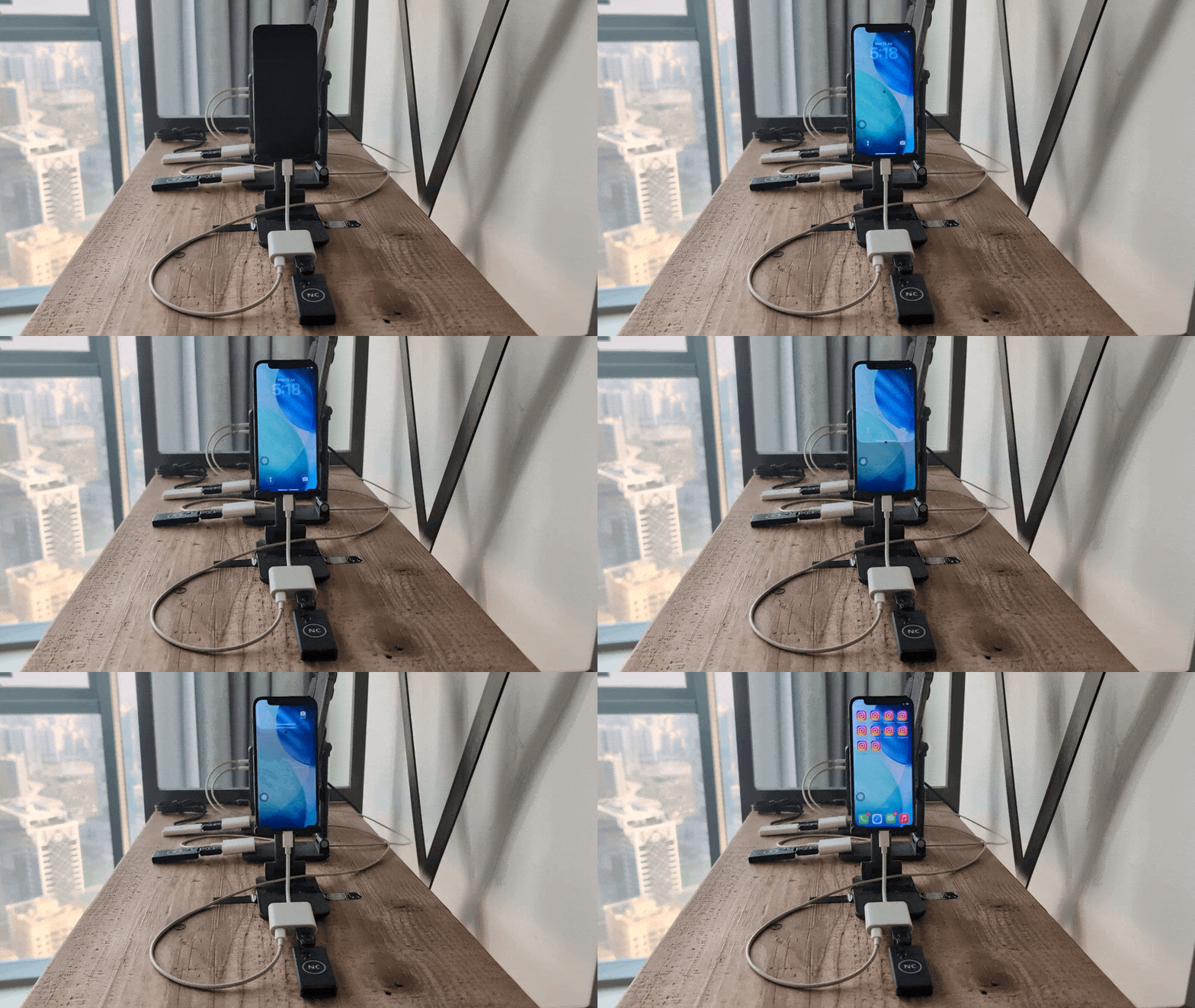
How It Works
See the real-world usage example on this video:
The script on this video is completely programmed in the Planner – no code, only prompt written in natural language. The prompt starts with the phrase «wake up the phone» which lets the Clicker know that it should turn on iPhone's screen and start broadcast first.
The AssistiveTouch Issue
There is an iOS bug explained in Troubleshooting: Swipes Not Working. It affects the «wake up» too. After a long period of time iPhone may stop responding to swipes. The solution is described in the Troubleshooting article – you need to turn AssistiveTouch off and back on.
To avoid such situations and use «wake up» flawlessly, we recommend to set this simple periodic (2 hours) task in Planner:
To avoid such situations and use «wake up» flawlessly, we recommend to set this simple periodic (2 hours) task in Planner:
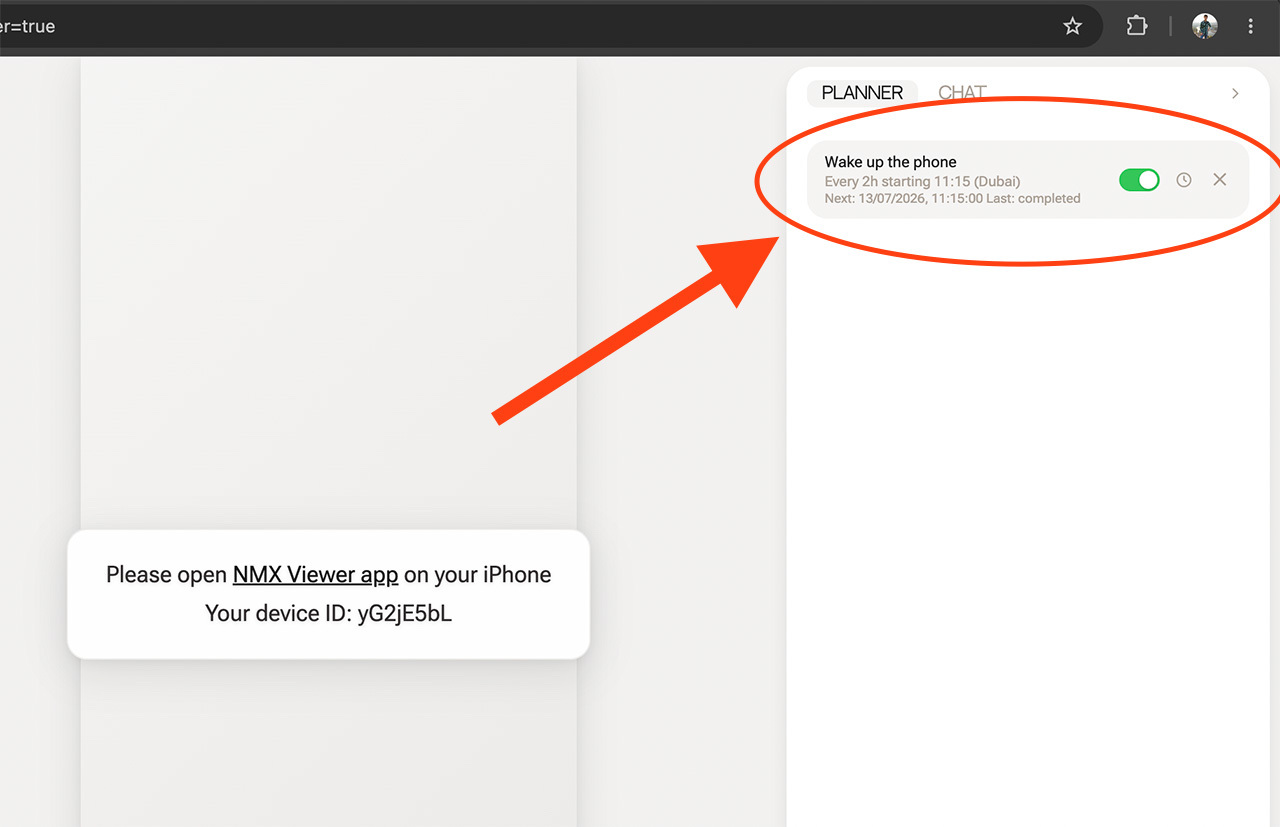
It will wake up your iPhone every 2 hours for a minute and... do nothing. For some reason this helps to avoid the said issue. Why? Better ask Apple.
Hope this helps! If you have any questions, feel free to reach our support @nomixsupport or (even better) join the Private Club!